
Understanding cell phone bills can be a daunting task, even for experts in the telecom industry. However, with a bit of effort and research, deciphering the bill is not as complicated as it seems. Analyzing the bill’s key components and decoding the technical jargon can gain valuable insights into data usage and expenses. In fact, there are legitimate ways to reduce data usage and save money. In this article provides a comprehensive guide on how to understand and analyze my AT&T results, including common sections, technical terms, and best practices for optimizing data plans. By the end of this article, readers will have a clear understanding of how to decode and maximize their wireless bills.
How Do I Know My AT&T Results
Here are a few ways you can find out your AT&T results:
- Check your AT&T bill. Your bill should show your usage details, including your data, voice, and text usage. You can also see your current balance and payment due date.
- Log in to your AT&T account online or on the app. Once you’re logged in, you can click on “My usage” to see your usage details for the current billing period. You can also see your past bills and usage history.
- Call AT&T customer service. A customer service representative can help you find out your results. You can reach them at 1-800-ATT-CARE (1-800-288-2273).
Understanding The Monthly Charges
The first page of your my at&t results shows your plan, monthly charges, and account info. Here’s how to parse through it:
Your Plan Details
At the top, under “Your Plan,” you’ll see your wireless plan broken down by device. For smartphones, the listing will show:
- Data: How much high-speed data do you get per month before you hit slower speeds? This is the most important part of your plan to understand (more below in the data usage section!).
- Talk: The number of talk minutes included. Many plans these days have unlimited talk, but if not, this shows your allowance.
- Text: Same deal for text messages – likely unlimited on newer plans.
Underneath, you may see add-ons like mobile hotspot data or international talk & text. The charges for those will appear in the billing summary section.
Monthly Charges
Next up is the billing summary chart. Some key things to look for here:
- Plan charge: This is the standard monthly cost for your wireless plan.
- Device payment: If you financed a phone through AT&T, they’ll charge you for it each month here (you pay off the device over time).
- Surcharges & fees: Miscellaneous charges added by AT&T for taxes and regulations. Unfortunately can’t get around these.
- Discounts: Check if you’re getting any monthly discounts like a corporate discount from your employer, loyalty discount, etc.
Below the chart are details on any one-time charges from the billing period, like if you purchased accessories or paid an upgrade or activation fee when you got a new device.
Armed with the knowledge above, you can already better understand the monthly cost breakdown rather than just paying a mystery total each month!
Monitoring Your Data Usage
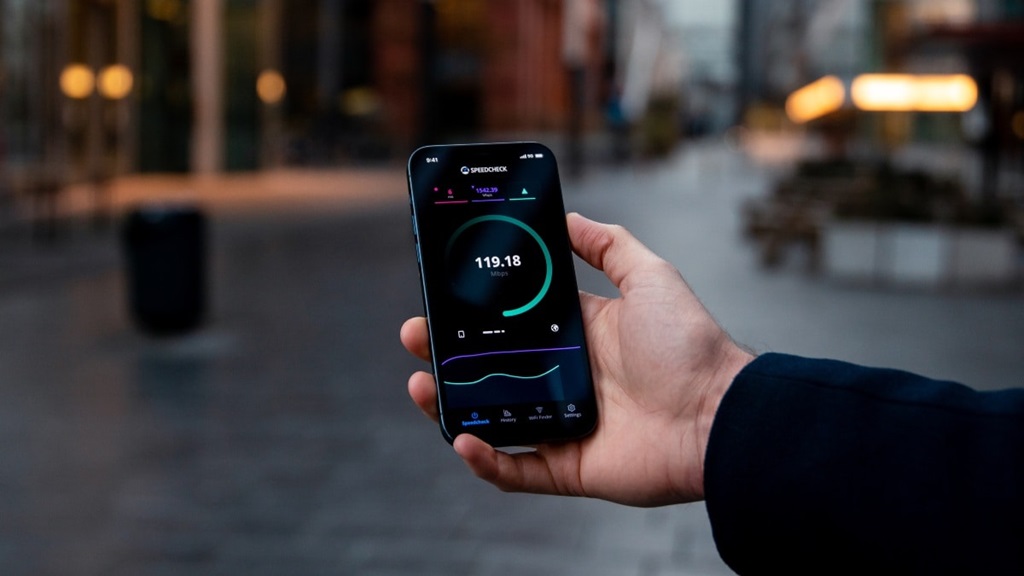
Here’s where things get really important. Your data usage is likely the biggest factor in your cell phone bills, so you need visibility into how much data you’re actually using.
Data overages are no joke – they can result in ridiculously high bills. And hitting reduced speeds once you pass your high-speed data allowance is no fun either.
With a little decoding help, your AT&T bill provides the necessary data analysis.
Data Usage By Device
On page 2 of the detailed bill, you’ll find a chart showing data usage for each device on your account during that billing cycle. For each phone or tablet, it shows:
- Data usage: Total gigabytes (GB) of data used that month
- Network: Breakdown of usage by 4G LTE vs. slower networks like 3G or 2G
- Roaming data: Data used while roaming outside of AT&T’s network
This info lets you see which device is using the most data and how much network speed matters to you. If you’re blowing through data mostly on 3G for example, it may be worth upgrading to a 5G device.
Below the chart is a sparkline graph of your data usage over the past 12 months. Check if any months stick out for unusually high usage so you know if you need to adjust your behavior.
Understanding Data Overage Charges
What throws most people for a loop is seeing data overage charges even when your plan includes extra “grace period” data.
Here’s an example to walk through:
- Your plan includes 10GB of high-speed data
- AT&T offers a 25GB grace period
- One month you use 12GB of data
- You see overage charges on your bill
Wait what?! You used less than the 25GB grace period allotment!
Here’s the deal…the grace period just saves you from reduced data speeds. You are still charged for every bit exceeding your base 10GB allowance. So those extra 2GB cost you. Sneaky, I know!
Moral of the story – don’t put too much stock in the grace period to avoid surprise charges. Stay under your base data amount at all costs.
Taming The Wireless Beast: 5 Hacks To Reduce Data Usage
OK, enough bill decoding. Let’s get into a proactive mode so you can STOP crazy data overages from happening in the first place. After analyzing many months of past AT&T results, I found a few key ways to slash my data usage without feeling too restricted. Give these tricks a shot:
1. Embrace life on WiFi
This first one is a bit obvious, but also the lowest-hanging fruit. Over 75% of my excess data usage happens when I get lazy about connecting to WiFi at home, work, or coffee shops. Just taking an extra few seconds to join available WiFi networks makes a massive dent.
Set your device settings to auto-join saved networks and disable cellular data when connected to WiFi for extra insurance. Small effort, big savings!
2. Automate nightly data cutting
Late-night hapless TikTok scrolling and Spotify streaming are big data drainers. So I now cut myself off completely using built-in settings called Limit Cellular Data Usage and Offload Unused Apps.
These disable all background cellular data between set times, say 12 am – 6 am. I still get texts and calls if needed, but no data temptations! Reduces my usage by around 15% with zero effort after the initial setup.
3. Lower visual quality
Video streaming across YouTube, Netflix, social feeds, etc., demolishes data faster than anything else. Just a few YouTube binges put me well over the limit multiple times.
Luckily you can dial back the video resolution without losing too much viewing quality. Under Cellular Data Options, enable Low Data Mode and Stream Saver. Also, manually turn video quality down to 480p when possible. Skips buffering too!
4. 2G speeds for non-critical tasks
This is a more extreme measure, but hear me out. For occasional data needs like audio streams or inbox refreshing where lag and patience aren’t dealbreakers, forcibly limiting speeds to 2G saves a ton of data volume.
Under Cellular Data Options, you can Enable Low Data Mode and Disable 5G access. Your pages may load at 1999 modem speeds, but it cuts usage by up to 90% for those tasks. I just re-enable higher speeds as needed when lag drives me batty.
5. Delete storage-hungry apps
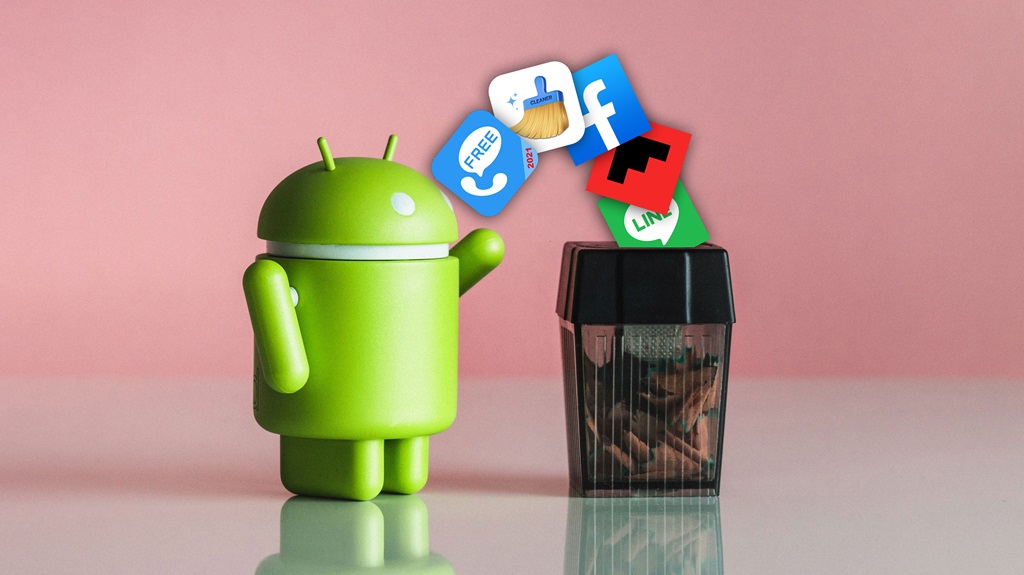
Finally, take inventory of all your installed apps and weed out unnecessary data hogs. Social media apps are generally the worst offenders. I was shocked to discover my Bloomberg app slurping nearly 800 megs a month just to keep a live stock ticker updated that I barely glanced at. Gleefully deleted!
Carefully consider if you really need so many shopping, news, and video apps constantly pulling down content in the background. Remove the lower priority ones, keep an eye on the Data Usage charts for any runaway apps, and drill down with App Settings to disable Background App Refresh as needed.
You’re Now a Wireless Billing Expert!
And there you have it! Hopefully, you feel armed with new knowledge on how to decipher exactly what’s going on with your wireless bill and data usage each month. No more mysterious surcharges or outrageously high bills. And a few simple tricks up your sleeve to tame that data hog once and for all.
The days of glazing over and blindly paying your wireless bill are over. You’ve got this! Never again will you feel bamboozled by AT&T and their crazy mobile cabal. Stay vigilant in monitoring your usage, stick to a sensible data limit that works for you, and save that hard-earned money for things way more fun than a phone bill.
In Summary
The key to decoding your AT&T wireless bill is first understanding your monthly charges – parse through the fees to know exactly what you’re paying for. Then carefully analyze your data usage and identify any problem areas driving excess usage. Finally, implement a few key hacks like relying on WiFi, limiting speeds, and removing data-hungry apps. Monitor your changes for a few months and ensure your data limits and monthly costs align with your needs. You’ll be in complete control of your wireless plan!
FAQs
What’s the difference between 5G and LTE?
5G is the latest generation mobile network, capable of much faster speeds than 4G LTE. However, 5G has limited availability in many areas still. LTE refers to 4G service, offers slower but still solid speeds, and is more widely available nationwide at this time.
How much data do I really need?
Most people find that 5-15GB per month is sufficient, but high-resolution video streaming could drive up your usage further. Analyze a few past bills to see your current average usage. Build in a small buffer on top of that when selecting your wireless plan data allowance.
Can I roll over unused data on AT&T?
On older plans, no – unused data was forfeited each month. On newer AT&T unlimited plans like Unlimited Elite, unused data does roll over for one billing cycle. So if you only use 8GB one month out of 100GB allowance, next month you’d have 108GB available before slowdowns.
What happens when I hit my data limit?
It depends on your specific plan. On capped plans without unlimited options, you pay overage charges for excess full-speed data used. On newer unlimited plans, data speeds slow to a crawl once you pass the plan’s high-speed data allowance, but charges remain the same.
Who has the best-unlimited data plans?
Competition has brought unlimited plan pricing down across carriers. AT&T, Verizon, T-Mobile, and other major carriers all offer decent options now. Compare features like full-speed data amounts, mobile hotspot data, and perks like streaming subscriptions to pick what fits your usage needs and budget. Just watch adding too many lines if you don’t need them!